 Helastash

Reads your M-Pesa messages
Sends, receipts, till and paybill payments, withdrawals, deposits, airtime, Fuliza and M-Shwari. Amount, merchant, reference, fee and balance are pulled out for you. M-Pesa only: no bank or other wallet messages are read.
For Android
Helastash reads your M-Pesa messages and turns them into categorised spending, budgets and trends. No account, no manual entry, and your transactions never leave your device.
What it does
Sends, receipts, till and paybill payments, withdrawals, deposits, airtime, Fuliza and M-Shwari. Amount, merchant, reference, fee and balance are pulled out for you. M-Pesa only: no bank or other wallet messages are read.
15 built-in categories with merchant rules. Correct a category once and Helastash offers to remember it for next time.
Monthly budgets with alerts at 80% and 100%, plus daily and weekly summaries and large-payment alerts.
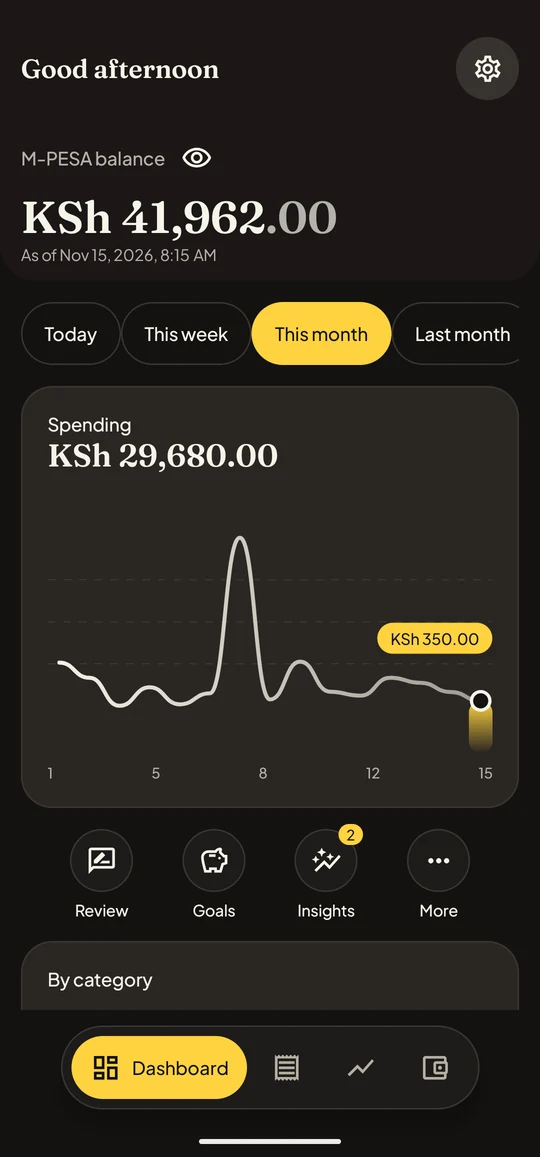
See where the month went with trends, top merchants, a spending heatmap, month-on-month comparison and plain-language insights such as recurring payments and Fuliza costs.
App lock with biometrics or a passcode, and a privacy mode that hides every amount on screen and in notifications.
Export everything as an encrypted backup or a spreadsheet-friendly CSV, or delete everything from Settings in one step.
A look inside
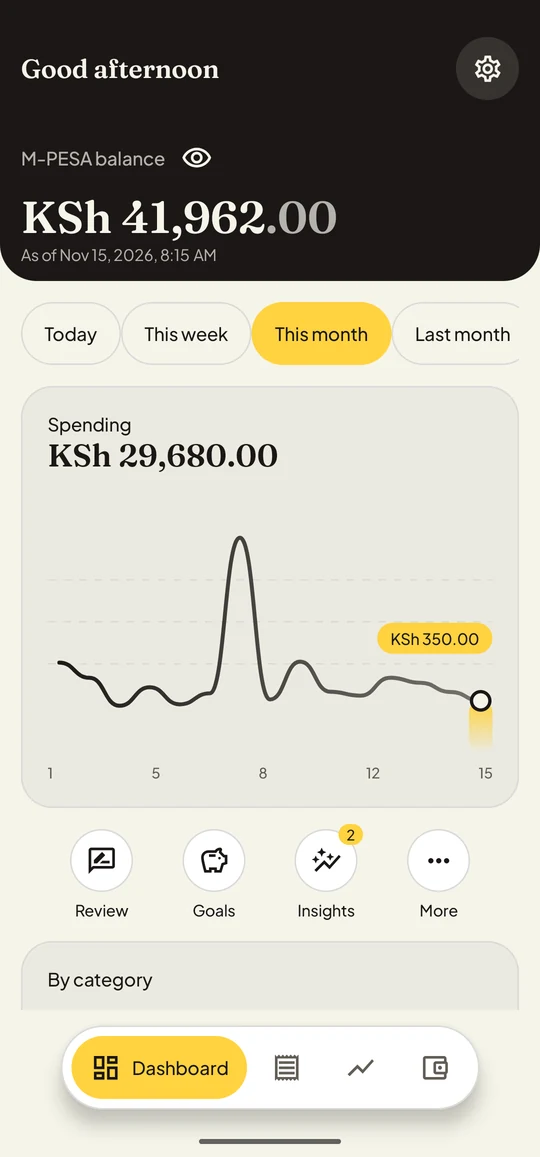
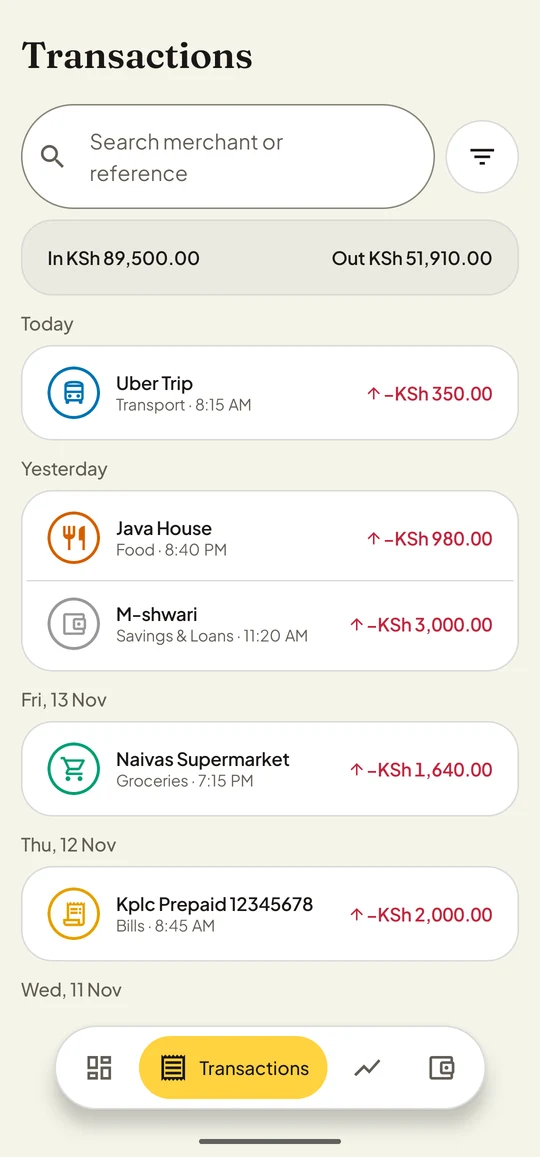
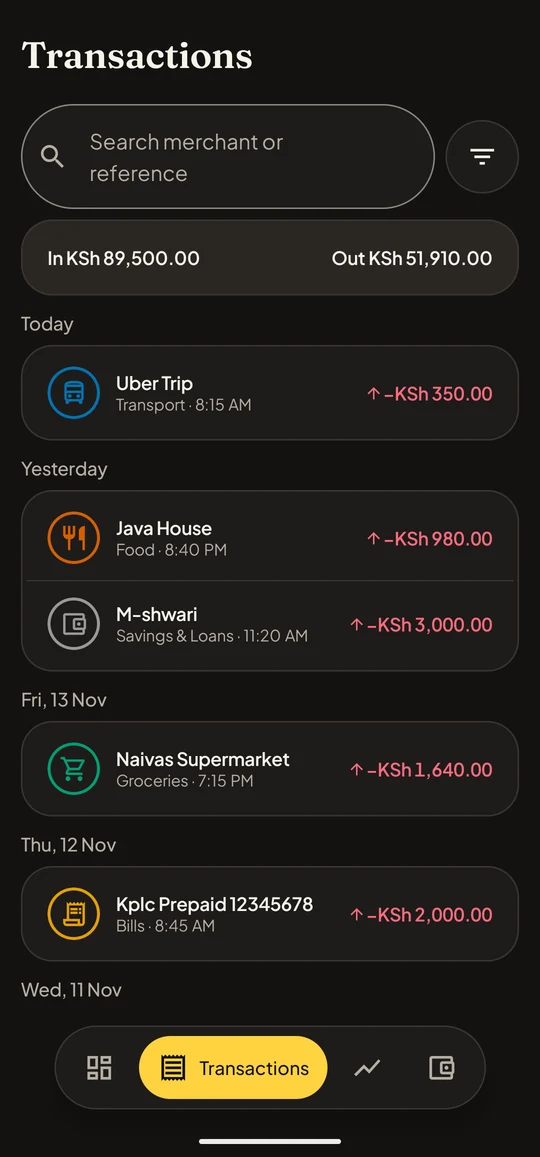
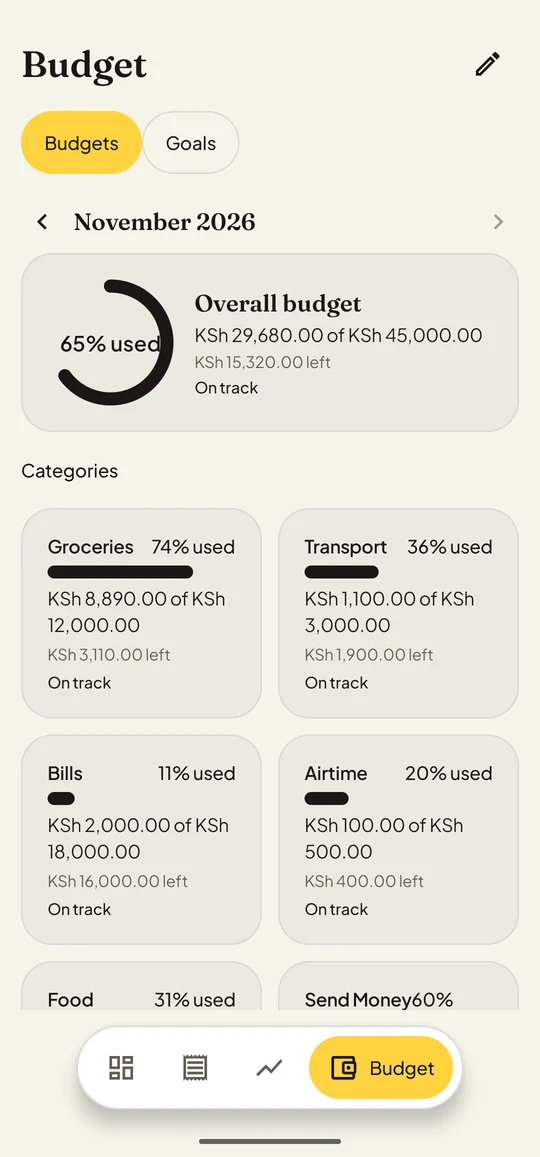
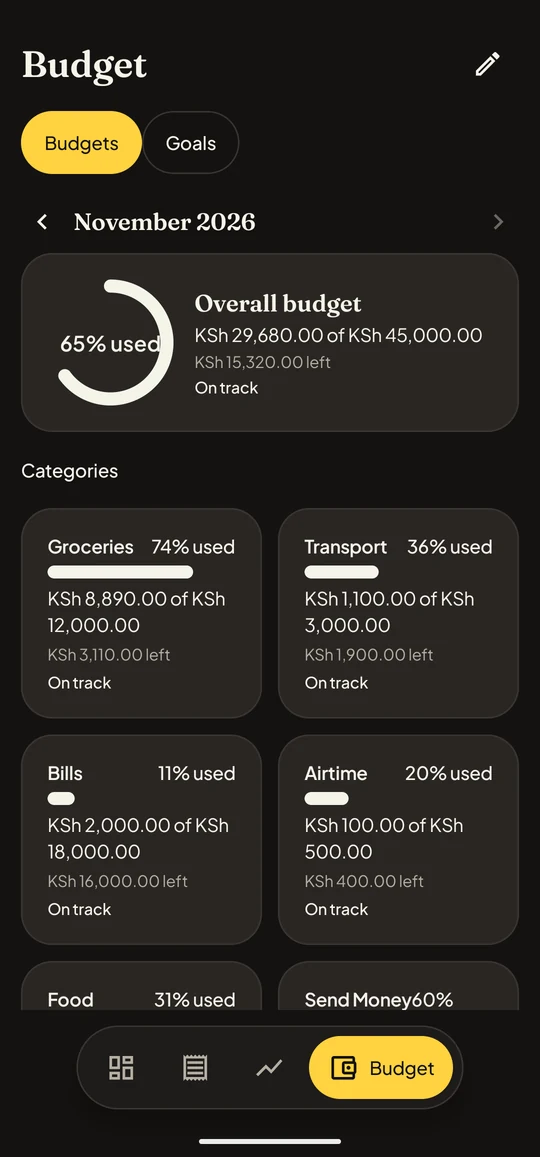
Screens show sample data.
How it works
You read what Helastash reads and why, then grant permission. Helastash only looks at M-Pesa messages and ignores every other sender.
New messages are parsed as they arrive, and existing M-Pesa messages in your inbox are imported once.
Dashboard, budgets and trends are ready. Fix a category or two and it learns your merchants.
Privacy
Spending data is some of the most personal data there is. Helastash keeps it on your phone and collects only what it needs to do its job.
Read the full privacy policy.
Questions
On Google Play, for Android. It reads SMS, which is an Android feature, so there is no iPhone version.
No. Helastash reads M-Pesa messages only, and there are no plans for bank parsers.
No. They are stored on your phone and never uploaded. The one exception is optional: if a message cannot be read, you can choose to send us a masked sample of its format, with names, numbers, amounts and dates removed, so we can teach the app to read it.
That is how it finds your M-Pesa confirmations, so you never type a transaction by hand. You can withdraw the permission in Android settings at any time.
Open Settings and choose Delete everything, which removes the database, preferences and encryption key from your phone. Uninstalling the app also removes it. Steps are on our data deletion page.
Something else? Write to [email protected]. To remove your data, see Delete your data.